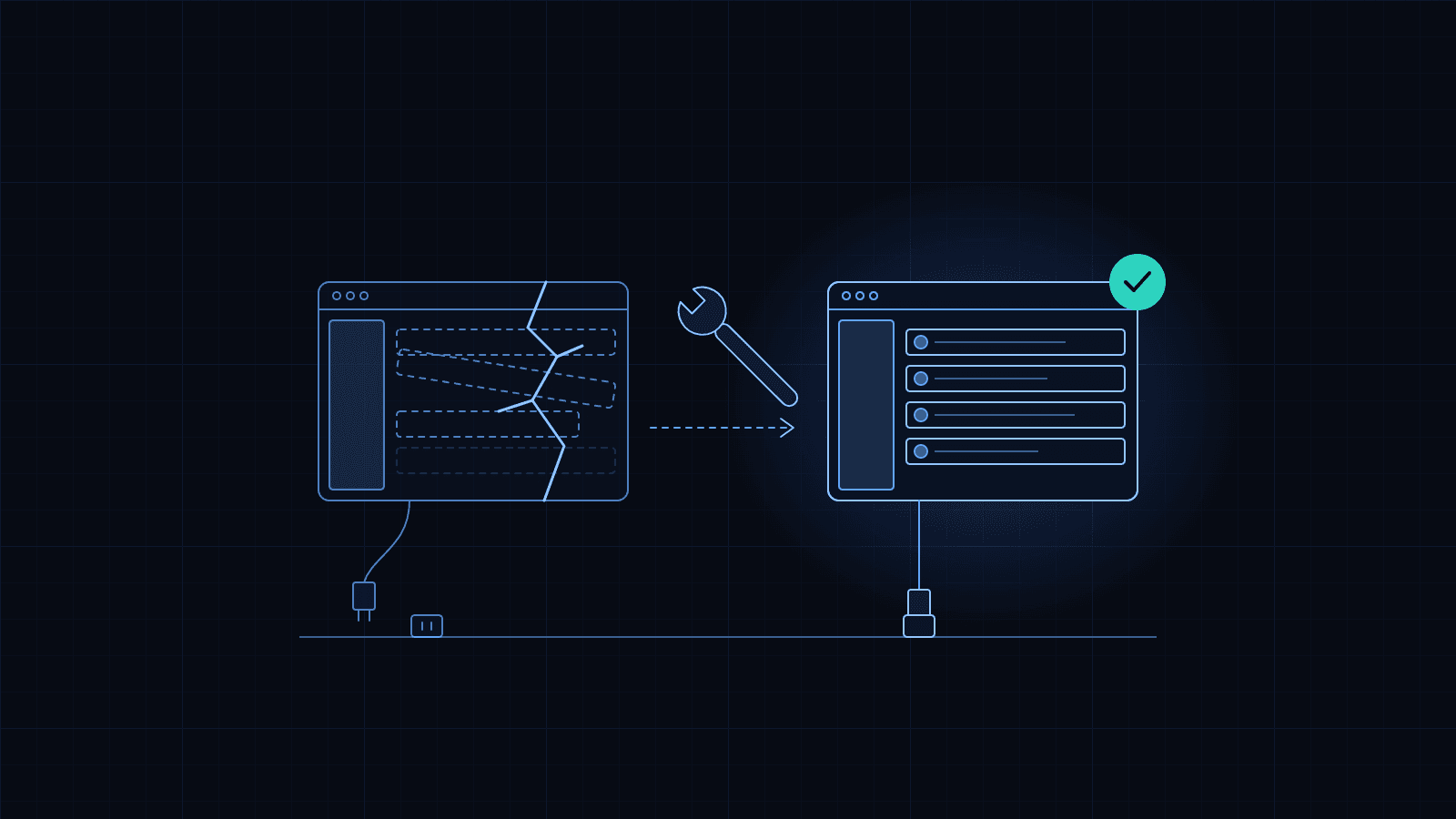
What app maintenance involves after launch
What actually happens to a mobile app after it goes live, why it needs attention every year, and what a maintenance agreement should cover.
InvoSpec SoftwaresPublished Updated 4 min read
An app is not finished when it launches. It is finished when it is switched off. In between, someone has to look after it, because everything around it changes: the phones, the stores, the services it talks to, and the business it serves. This guide explains what that work is, so you can budget for it and judge whether you are getting it.
Why an app that works today stops working
Nothing in the app changes by itself. Everything around it does.
- The stores raise the bar every year. Google Play requires apps to target a recent version of Android to be listed or updated, and the required version moves up annually. Apple announces which versions of its tools new submissions must be built with. Miss the deadline and you cannot ship updates until the app is brought up to date.
- Phones get new operating systems. Each release changes permissions, notification rules and sometimes how the screen is drawn. An app built for last year's system often works on this year's, but not always, and the problems show up on your newest customers' phones first.
- The pieces the app is built from age. Every app uses dozens of libraries. Each one is updated for security fixes and compatibility, and old versions eventually stop being supported.
- Certificates and keys expire. Apple's signing certificates have an expiry date. Push notification credentials, payment keys and API keys can be rotated by the provider. When one lapses, a feature quietly stops.
- Services change their terms. Maps, payments, SMS and email providers change prices, limits and APIs. A change on their side can break a feature on yours.
None of this is a defect in the app. It is the cost of running software in a world that moves.
What routine maintenance actually is
Done properly, maintenance is mostly quiet, scheduled work:
- Platform updates. Raising the app's target versions ahead of each store deadline, and testing on the new operating systems before they reach the public.
- Dependency updates. Bringing libraries forward on a schedule, in small steps, so nothing is years out of date when a security fix lands.
- Monitoring. Watching crash reports, error rates and server health, so problems are found before customers report them.
- Security fixes. Applying patches to the app, the backend and the servers when advisories are published.
- Housekeeping. Renewing certificates and credentials before they expire, keeping backups running and tested, cleaning up data that has grown.
- Small changes. The text edits, price changes and minor fixes that every live product collects.
Larger changes, new features and redesigns are not maintenance. They are new work, quoted separately, though a maintenance agreement often includes a monthly allowance for them.
What a maintenance agreement should say
Read any maintenance agreement for these six things:
- Scope. Which apps, which backends, which services. "The system" is not a scope.
- Response time. How quickly someone starts work when something breaks, and whether that differs by severity. The figure should be in the contract, not on a website.
- What counts as an incident, and what counts as a change request.
- The routine schedule. How often platform and dependency updates are done. "As needed" means "when it breaks".
- Reporting. A short monthly report of what was done and what is coming.
- Exit. What you receive if you end the agreement: code, accounts, documentation, data.
What it costs, and what it saves
The price depends on how many apps and systems are covered, what state they are in, how fast a response you need, and how much new work you want each month. A single well-built app with a few thousand users needs a few hours of scheduled attention a month and the ability to call someone when it breaks. A system that a business runs on all day needs more.
What it saves is harder to see because it is a thing that did not happen: the update rejected the week before a launch, the Friday-night outage with nobody to call, the two-year-old app that costs more to bring back to life than it cost to build.
If your app has had no maintenance for a year or more
Start with a health check rather than a maintenance agreement. A health check finds out what state the app, the accounts and the keys are actually in, and what is urgent. Then an agreement makes sense, with the urgent work done first. Our take-over page describes how that works, and the health check is our Existing App Audit package.
Our own monthly care is the Ongoing Maintenance package. The pricing page shows its starting price and what it covers.
Common questions
- If nothing is broken, do we still need maintenance?
- Yes, because the ground moves. Each year the stores raise their requirements, phones get new operating systems, and the services the app depends on change. An app that is not updated keeps working for a while, then stops being accepted for updates, then starts breaking for users on new phones.
- What should a monthly maintenance report tell us?
- What was updated and why, any incidents and how long they took to resolve, crash and error rates, what is due next (store deadlines, expiring certificates), and anything the report writer would spend money on next. One page is enough.
- Can we pay only when something breaks?
- You can, but you lose two things: a promised response time, and the routine updates that stop most breakages in the first place. Pay-as-you-go suits an app with few users and no deadlines. Anything that customers rely on should have an agreement.
Sources
- Google Play: target API level requirements · checked 14 October 2026
- Apple Developer: upcoming requirements · checked 14 October 2026
- Apple Developer: certificates overview · checked 14 October 2026